
The Sales Leader Blog
The latest insights on Sales Leadership, Sales Training, Sales Strategy, and Sales Effectiveness
mostbet app Guide
mostbet app - mostbet app

How to Turn Technical Experts Into Trusted Advisors
There are close to one million industrial and manufacturing salespeople in North America. Some sell for OEMs, others for distributors. Some sell for large enterprises, others for SMBs. While products, channels, and end-use markets differ company by company, there is...
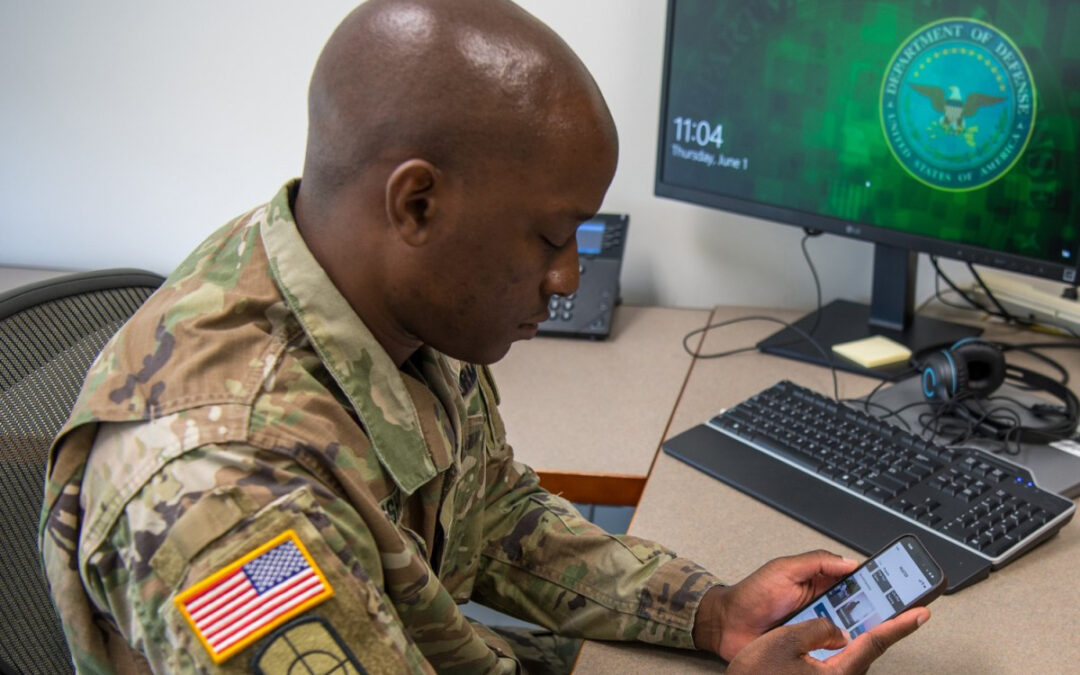
The Art and Discipline of Effective Military Recruiting
Prospecting is the heartbeat of military recruiting. It’s the daily discipline that separates recruiters who hope for leads from those who create opportunities. In today’s environment—where competition for attention is fierce and young adults have more career options...

Sales Prospecting Challenges: How a Consultative Approach Solves 4 Common Obstacles
Prospecting has always been one of the most demanding activities in sales. But today, the challenge has intensified. Buyers are bombarded with outreach from every direction, are increasingly resistant to generic pitches, and have grown skeptical of sellers who lead...

Why Sales Training Is the Backbone of Revenue Enablement
The term “revenue enablement” gets thrown around a lot lately, often used interchangeably with “sales enablement.” But there’s an important distinction—and understanding it could change how you build and support your entire go-to-market operation. Sales enablement is...

Why Consultative Sales Training Is Essential for B2B Teams
Modern buyers don’t want a product presentation—they want a partner who understands their business. When sellers lead with features instead of listening for needs, deals stall, objections pile up, and trust never gets built. That’s the main difference between...

From Recording to Revenue: How to Get More From Every Sales Call
Sales calls are critical touchpoints in the sales process—from the first prospecting conversation to the final close. 51% of leads are generated through cold calling. It usually takes 6–10 attempts to reach a prospect. The average cold call success rate typically...

6 Qualities of a Great Salesperson in Manufacturing
Hiring the wrong salesperson in manufacturing is an expensive mistake. Between base salary, onboarding, the time it takes to build a territory, and the opportunity cost of lost deals, a bad hire can easily cost your company six figures before you’ve cut your losses...